
Switcher That Switches Viewers to Buyers
Transcy’s switcher works with any Shopify theme to help shoppers browse in their language and pay in their currency—automatically, beautifully, and fast. No code required.
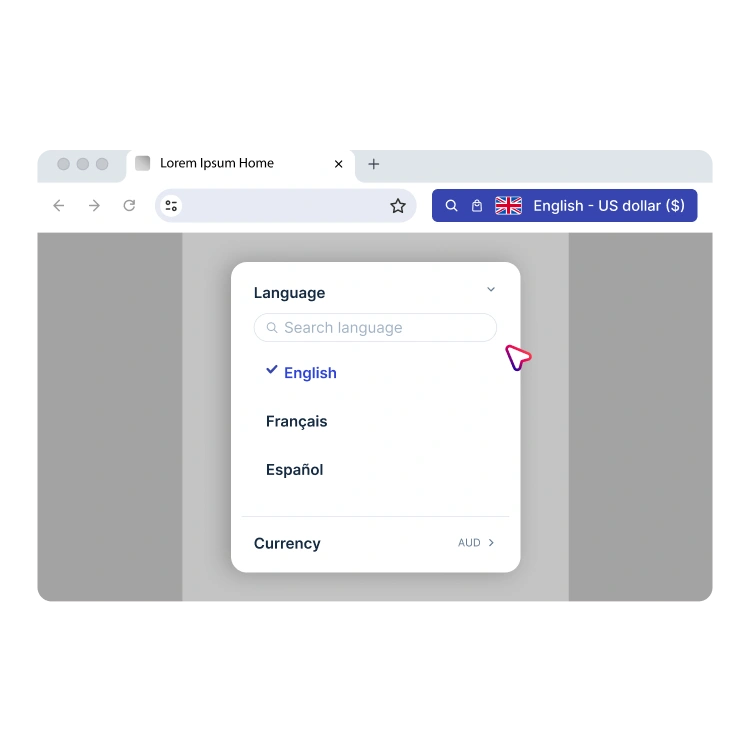
Language & Currency Switcher for Shopify Stores
Let shoppers easily switch language and currency while browsing your Shopify store. Transcy’s switcher supports automatic detection, flexible display styles, and full customization to fit your theme and storefront experience.
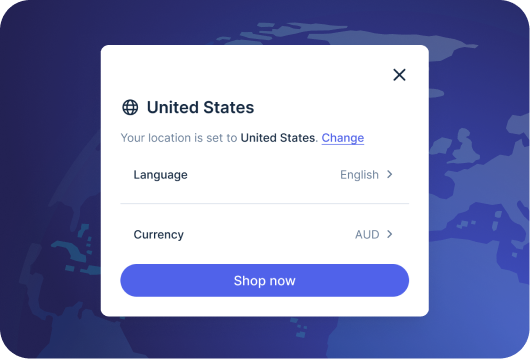
Powerful Language & Currency Auto Detection
Transcy detects location and browser language to suggest the right language & currency to the right customers. Shoppers can still switch manually at any time.
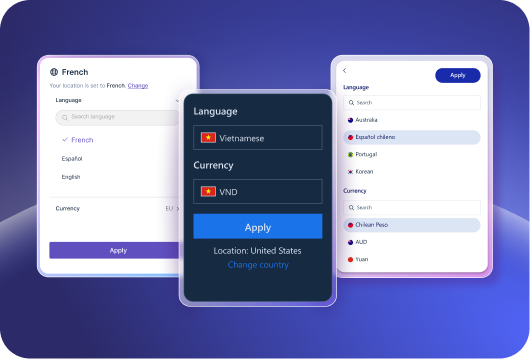
Stunning Templates With Various Styles
Launch quickly with designer-made templates that suit any theme. Show language, currency, or both with clear labels, accessible flags, and consistent formatting.

Full Control Over Your Switcher’s Appearance
Fine-tune colors, typography, sizes, and text on your switcher to ensure that it matches your brand, then place it exactly where you want—header, floating badge, or inline.

Switcher That Looks Good on Any Device
Use a single switcher that scales elegantly across screens, or create dedicated desktop and mobile versions with distinct layouts and positions. Either way, your switcher stays fast and the experience remains consistent.
Frequently Asked Questions
1. What does the Language & Currency Switcher do?

2. Can the switcher automatically detect a shopper’s location?
3. Can I customize the look and placement of the switcher?
4. Does the switcher work on both desktop and mobile?
5. Can I separate language and currency selection?
6. Will using the switcher affect my store’s performance?
7. Does the switcher work with Transcy’s Translation and Currency Converter features?
8. Can I control which languages and currencies appear in the switcher?
9. Is the switcher compatible with all Shopify themes?
Ready to go global?
Join 250,000+ merchants expanding worldwide. Free plan available.