
11 Best Currency Converter Apps for Shopify: Pricing, Rating, Features, Pros & Cons
The Shopify App Store offers plenty of currency converter apps, but more choices do not always make the decision easier. Some apps are lightweight and easy to launch, while others offer stronger customization, broader currency coverage, or better support for multi-market selling.
In this guide, we compare the 11 best currency converter apps for Shopify in 2026 to help you find the right fit for your store. We look at pricing, features, ratings, and merchant feedback so you can choose a solution that supports a smoother international shopping experience from day one.
| No. | App | Best for | Pricing (Monthly) | Rating | Currencies supported | Built for Shopify |
| 1 | Transcy | Mid-large enterprises needing full localization | $14.90–$599 | 4.4/5.0 (2,535 reviews) | 168+ | Yes |
| 2 | BEAST | Small merchants needing a simple converter | $0–$9.95 | 4.6/5.0 (1,111 reviews) | 160+ | No |
| 3 | BUCKS | Growth brands wanting a fast, polished UI | $0–$7.99 | 4.9/5.0 (909 reviews) | 160+ | Yes |
| 4 | Nova | New merchants looking for a 100% free tool | $0 | 4.9/5.0 (705 reviews) | 130+ | No |
| 5 | CVC | Stores wanting conversion + basic translation | $0–$15 | 4.5/5.0 (147 reviews) | 163 | Yes |
| 6 | Currency Converter Plus | High-volume stores needing precision rates | $9.99 | 4.7/5.0 (210 reviews) | 222 | Yes |
| 7 | MLV | Merchants needing deep design customization | $0–$9.95 | 4.8/5.0 (983 reviews) | 200+ | No |
| 8 | SmartCS | Cost-conscious stores want unlimited currencies | $0–$12 | 4.8/5.0 (199 reviews) | Unlimited | No |
| 9 | Currency Converter Bear | Brands prioritizing premium stability and support | $9.99 | 4.9/5.0 (105 reviews) | 160+ | No |
| 10 | KILATECH | Minimalist stores keep tech stacks lean | $0–$4.99 | 4.8/5.0 (80 reviews) | Unlimited | No |
| 11 | WB | Complex stores managing multiple markets | $0–$9.99 | 4.7/5.0 (125 reviews) | 200+ | Yes |
Why your global stores need a currency converter
“Why am I seeing prices in a currency I don’t recognize?” This single question can end a buying journey. With 94% of international shoppers expecting to pay in their local currency, a converter is no longer a luxury. It’s a requirement for global success.
- Build trust from the first click: When shoppers see prices in their native currency, the “mental math” disappears. It makes your brand feel local, professional, and transparent.
- Slash cart abandonment: Uncertainty at checkout is a conversion killer. Statistics show that 13% of shoppers abandon carts if prices are in a foreign currency. A seamless conversion keeps the momentum going to the “Thank You” page.
- Compete in price-sensitive markets: In regions where every cent counts, clarity is your best sales tool. Localized pricing allows customers to evaluate your value proposition instantly, making your store the safer, more competitive choice.
Best currency converter apps that help you sell globally in 2026
In the next section, we take a closer look at 11 of the best free and paid Shopify currency converter apps to help you find the one that fits your business needs and budgets.
1. Transcy: AI Language Translate
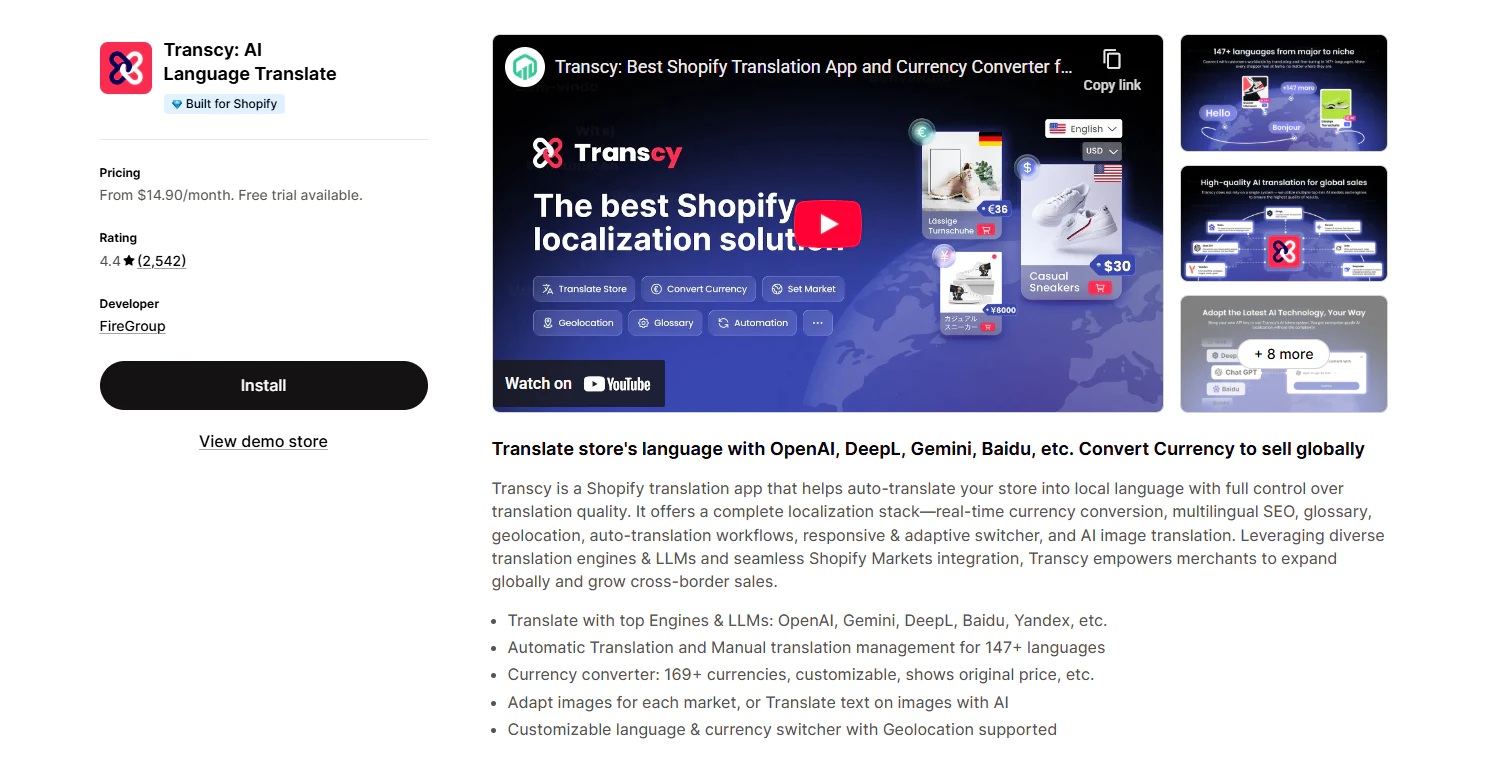
Transcy is a full-stack localization powerhouse that integrates AI-powered translation with advanced multi-currency conversion for mid-to-large enterprises seeking a unified global strategy.
Highlight features of Transcy
Transcy provides all the powerful capabilities of a leading Shopify currency converter:
- Multi-currency conversion: Real-time conversion for 168+ currencies.
- Shopify Payments integration: Works hand-in-hand with Shopify Payments for a unified checkout.
- Smart rounding & pricing rules: Allows setting custom rules and adds cart notices for clarity.
- Instant geolocation switch: Automatically detects visitor’s location to display relevant currency.
- Manual rate override: Gives merchants control when custom exchange rates are needed.
Rating of Transcy
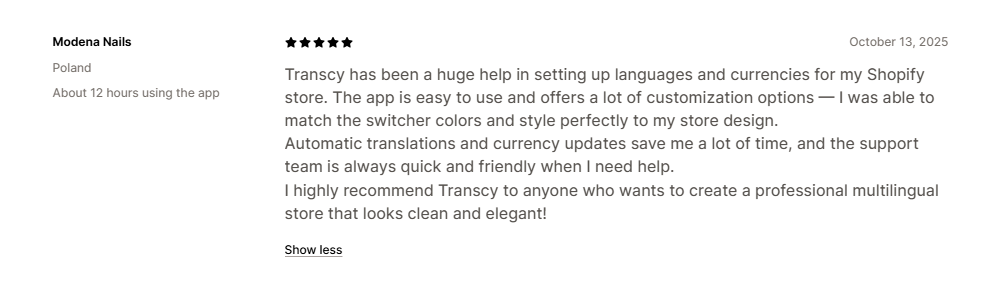
Transcy is rated 4.4/5.0 and is recognized for feature-rich localization and reliable multi-market support. Merchants value Transcy for streamlining both currency conversion and broader localization into one platform, making it a powerful asset for brands managing multiple global markets.

Pricing of Transcy
Transcy offers 5 paid plans from $14.90 to $599/month with a 7-day free trial.
| Plan | Price (USD) | Key benefits |
| Local Plus | $14.9/month |
|
| Regional | $29/month |
|
| Continental | $69/month |
|
| Cross-Border | $99/month |
|
| Global | $599/month |
|
Pros and cons of Transcy
| Pros | Cons |
|
|
| Best for: Mid-to-large enterprises seeking a unified platform to manage both multi-currency conversion and full-scale translation in a single workflow. | |
2. BEAST Currency Converter
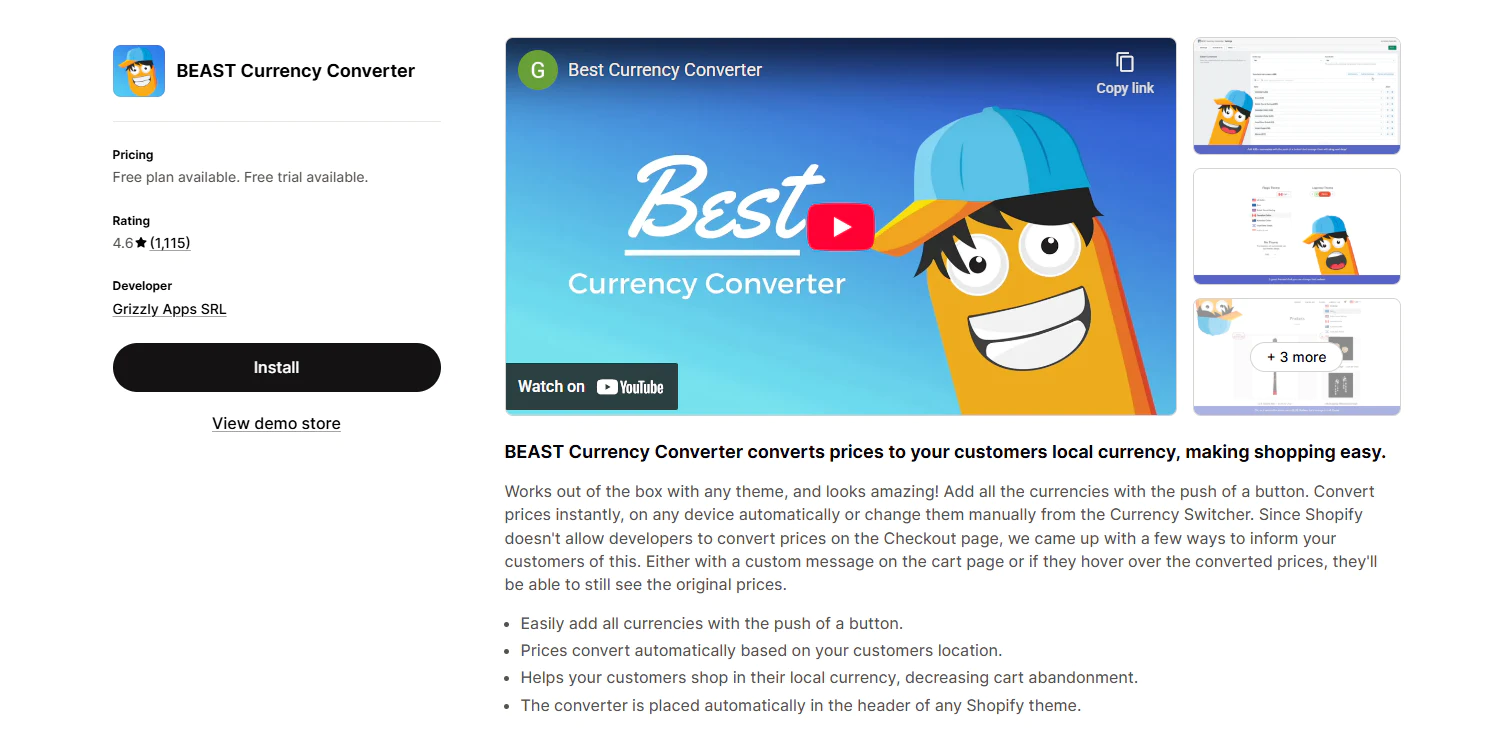
BEAST is a lightweight, one-click solution that offers a streamlined approach for small-to-mid-sized merchants who want to automate local pricing with zero configuration.
Highlight features of BEAST
- One-click currency setup: Easy to start without manual data entry.
- Automatic geolocation: Detects shopper location and switches pricing instantly.
- Price rounding: Helps converted prices look cleaner and more professional.
- Checkout currency notification: Adds cart-level messaging to set clear buyer expectations.
Rating of BEAST
BEAST is rated 4.6/5.0. Users appreciate it for its rapid “one-click” setup and lightweight performance, making it a practical entry point for stores starting to sell internationally.

On the downside, common concerns include occasional price display inconsistencies and slower support responsiveness when technical issues arise.

Pricing of BEAST
BEAST offers a free option and a paid tier for merchants who need more advanced features.
| Plan | Price (USD) | Key benefits |
| Free | $0/month |
|
| Elite | $9.95/month(Free trial for 30 days) |
|
Pros and cons of BEAST
| Pros | Cons |
|
|
| Best for: Small to mid-sized merchants who need a simple, lightweight tool to automate local price displays with minimal setup. | |
3. BUCKS Currency Converter PRO++
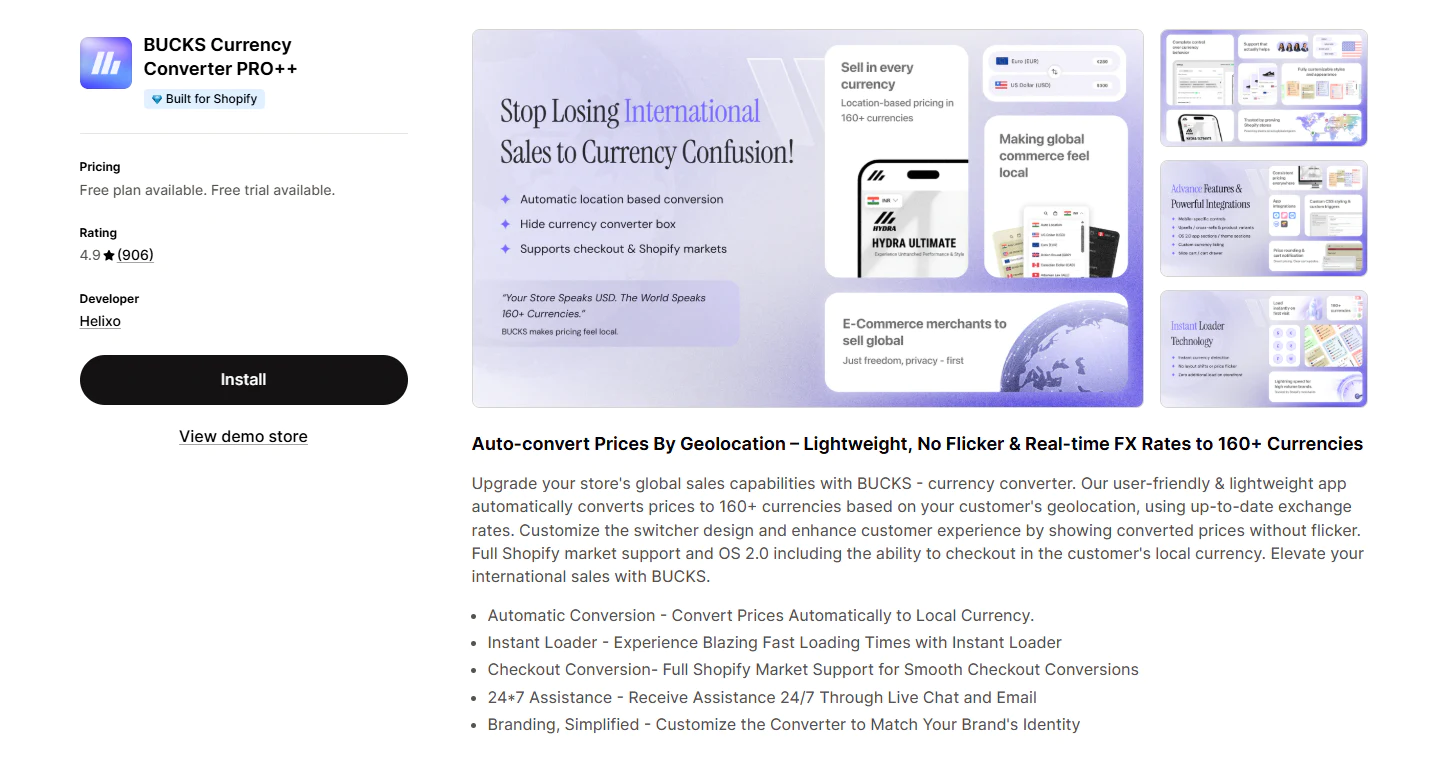
BUCKS is a high-performance, polished converter that balances storefront elegance and speed for growth-stage brands prioritizing a premium user experience.
Highlight features of BUCKS
- Automatic currency switching: Adjusts displayed currency based on shopper location.
- Local currency checkout: Fully supports Shopify Markets for a smooth transition to payment.
- Price formatting and rounding controls: Keeps converted prices cleaner and more consistent.
- Manual exchange rate settings: Gives merchants more control over how pricing is displayed.
- Custom switcher placement: Offers flexible positioning to match your theme’s design.
Rating of BUCKS
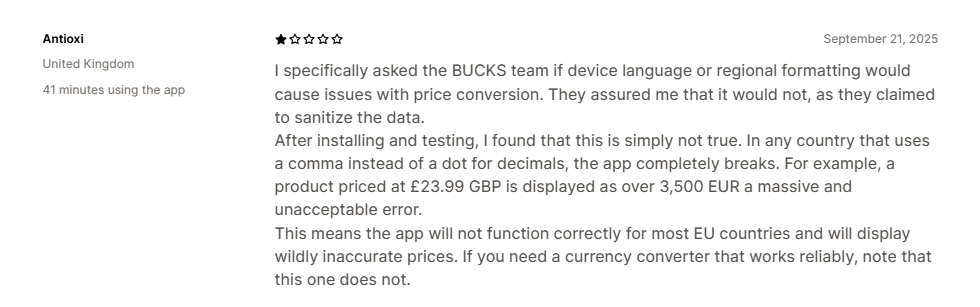
BUCKS is rated 4.9/5.0. High ratings for BUCKS reflect its superior storefront speed and polished interface, providing a premium-feel pricing experience.

Despite its polish, a small number of users report reliability gaps in specific regional markets and inconsistent pricing behavior in complex edge cases.
Pricing of BUCKS
BUCKS offers 2 plans: a free plan and a paid option for merchants who need more advanced features.
| Plan | Price (USD) | Key benefits |
| Free | $0/month |
|
| Plus | $7.99/month(7-day free trial) |
|
Pros and cons of BUCKS
| Pros | Cons |
|
|
| Best for: Growth-stage brands that prioritize a fast, polished storefront experience and seamless alignment with Shopify Markets. | |
4. Nova: Multi Currency Converter
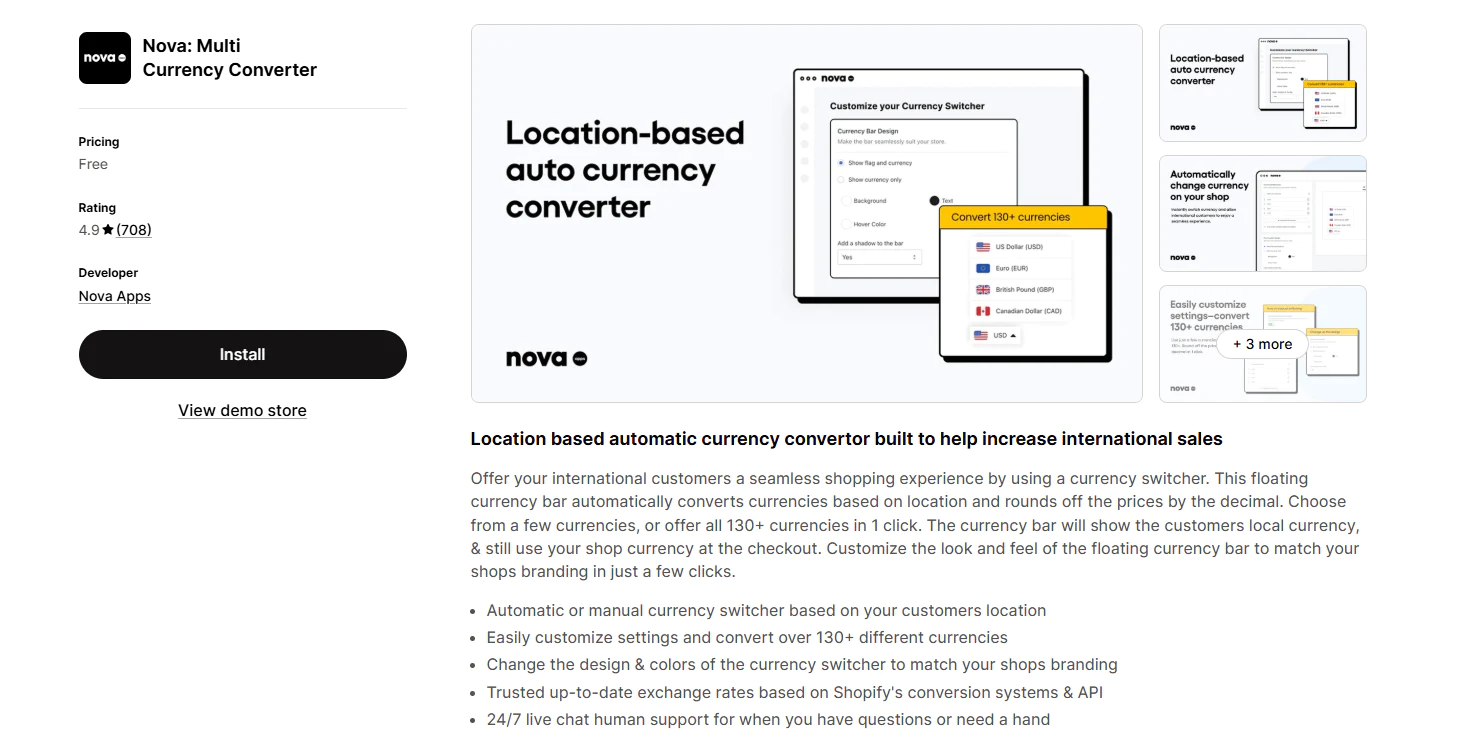
Nova is an accessible, 100% free entry point that allows early-stage startups to instantly support over 130 currencies without adding any monthly overhead.
Highlight features of Nova
- 100% Free: All features, including 130+ currencies, are available at no cost.
- Automatic switching: Adjusts displayed prices based on shopper location.
- Manual currency selection: Let shoppers switch currencies themselves when needed.
- Price rounding: Helps converted prices look cleaner on the storefront.
- Customizable bar: Lets merchants change colors and design to match their brand.
Rating of Nova
Nova is rated 4.9/5.0. Store owners praise Nova for its accessibility and easy installation, offering a reliable way to go global without upfront costs.

Conversely, store owners praise Nova for price display stability and support responsiveness in some cases.

Pricing of Nova
Nova is currently totally free, making it one of the more accessible options.
| Plan | Price (USD) | Key benefits |
| Free | $0/month |
|
Pros and cons of Nova
| Pros | Cons |
|
|
| Best for: New merchants and early-stage startups looking for a completely free solution to test international demand without added costs. | |
5. CVC ‑ Multi Currency Converter
CVC is a practical, mid-range converter that provides essential currency switching and basic localization for stores needing reliable performance without enterprise-level costs.
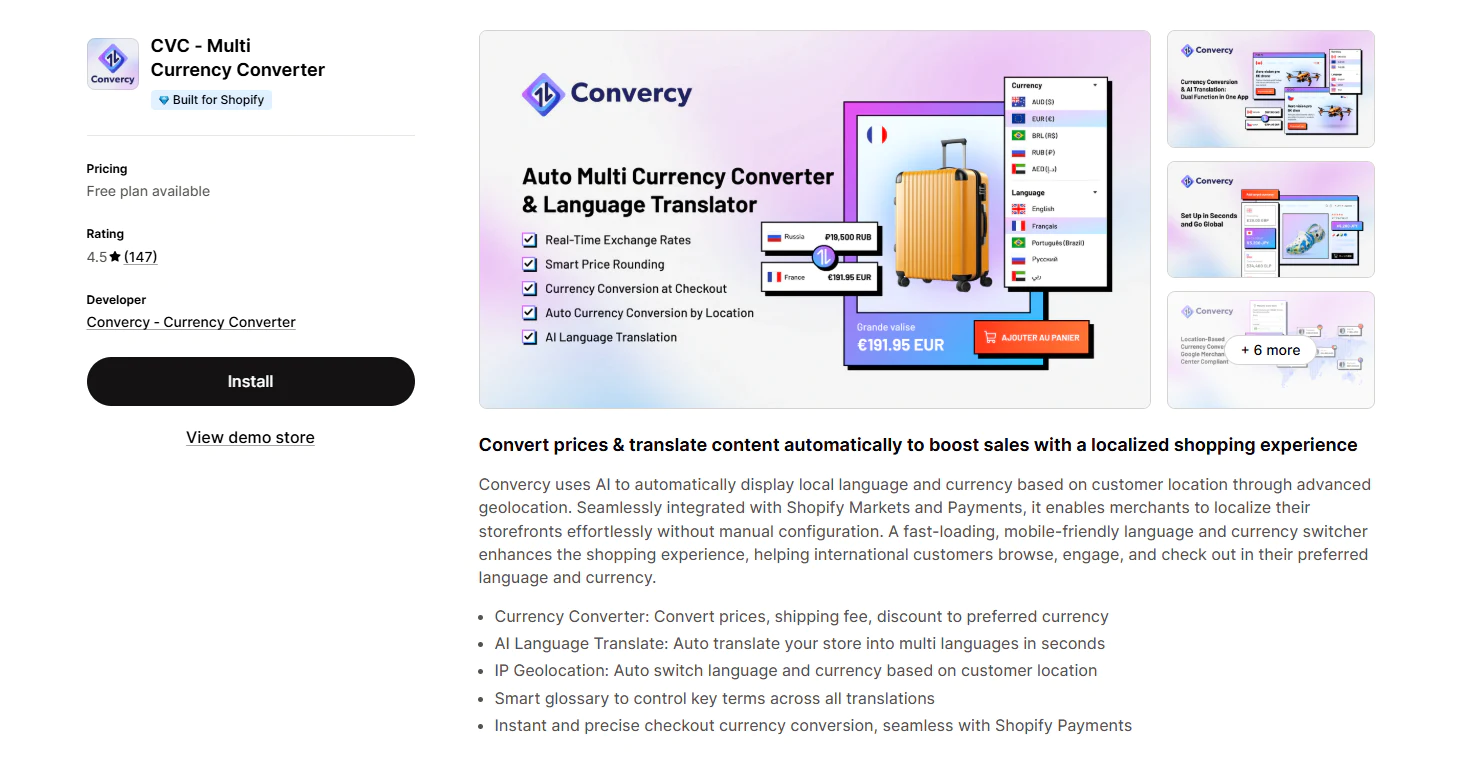
Highlight features of CVC
- Advanced switcher settings: Give merchants more control over paid plans.
- Shopify Markets Ready: Seamlessly integrates with Shopify’s native global settings.
- Smart Glossary: Allows control over key terms across all localized versions.
Rating of CVC
CVC is rated 4.5/5.0. Merchants recognize CVC for its approachable configuration and fast updates, effectively bridging the gap between simple switching and full-scale localization.
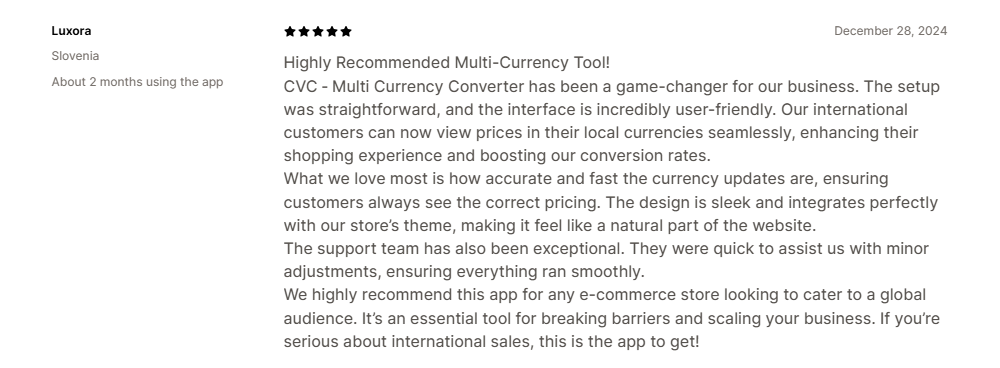
At the same time, potential conflicts with certain Shopify pricing configurations and a more restricted free plan can lead to setup frustrations.

Pricing of CVC
| Plan | Price (USD) | Key benefits |
| Free | $0/month |
|
| Premium | $1/month for first 30 days, then from $15/month on Shopify Basic |
|
Pros and cons of CVC
| Pros | Cons |
|
|
| Best for: Small to mid-sized stores needing a practical balance of currency switching and basic localization features. | |
6. Currency Converter Plus
Currency Converter Plus is a robust, precision-focused tool that delivers minute-by-minute rate updates for established high-volume stores requiring maximum pricing accuracy.
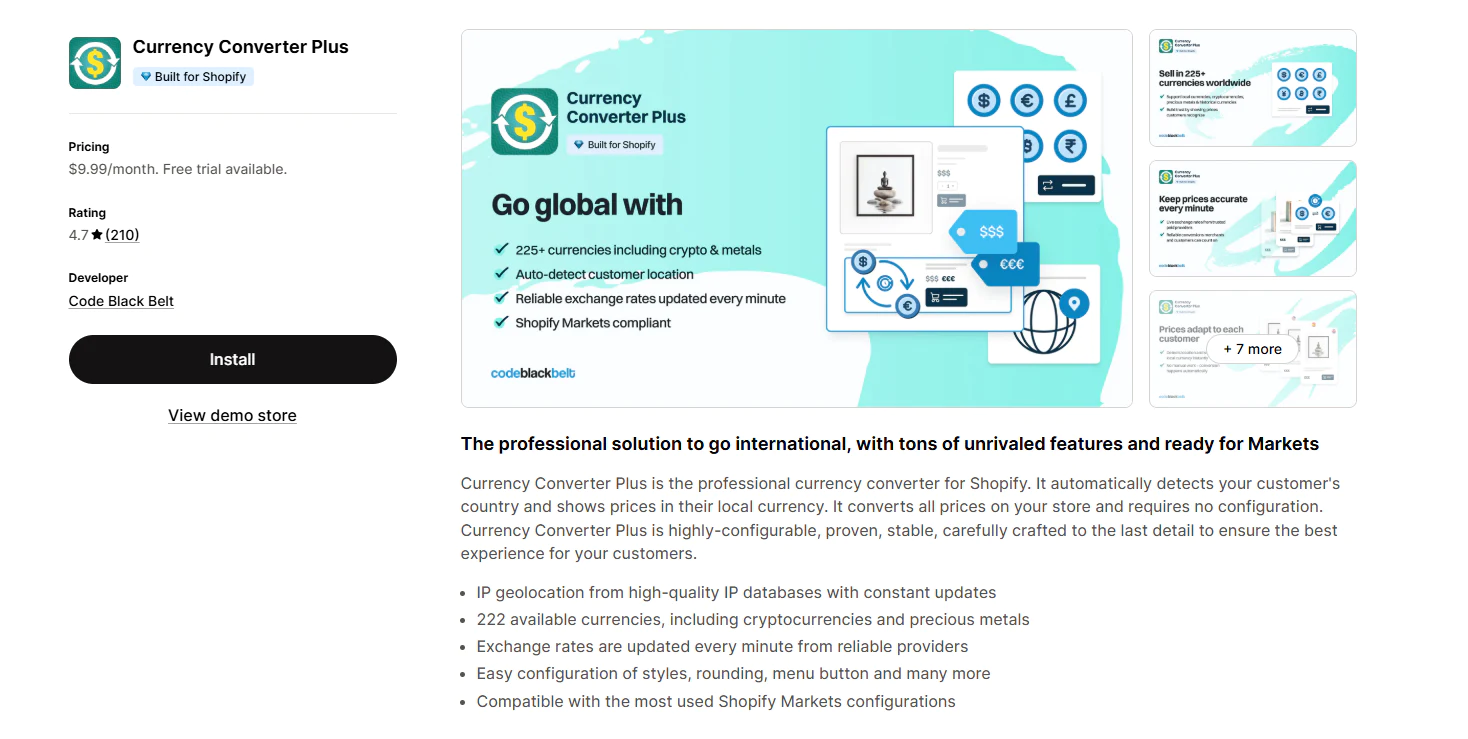
Highlight features of Currency Converter Plus
- Extensive currency support: Covers 222 currencies, including some non-fiat options.
- 1-Minute Updates: Refreshes exchange rates every 60 seconds for extreme accuracy.
- Price rounding controls: Helps merchants keep local prices cleaner and more intentional.
- Theme-ready storefront integration: Designed to work smoothly across different store setups.
Rating of Currency Converter Plus
Currency Converter Plus is rated 4.7/5.0. Established brands rely on this app for its exceptional pricing accuracy and high-frequency exchange rate updates.

Nevertheless, some merchants find the pricing structure less transparent than expected and note that theme-level validation is required before full rollout.

Pricing of Currency Converter Plus
| Plan | Price (USD) | Key benefits |
| Professional | $9.99/month(30-day free trial) |
|
Pros and cons of Currency Converter Plus
| Pros | Cons |
|
|
| Best for: Established, high-volume stores that require maximum pricing precision and frequent exchange rate updates. | |
7. MLV Auto Currency Switcher
MLV is a highly customizable storefront switcher that gives merchants deep control over design and placement to ensure the converter aligns perfectly with their brand identity.
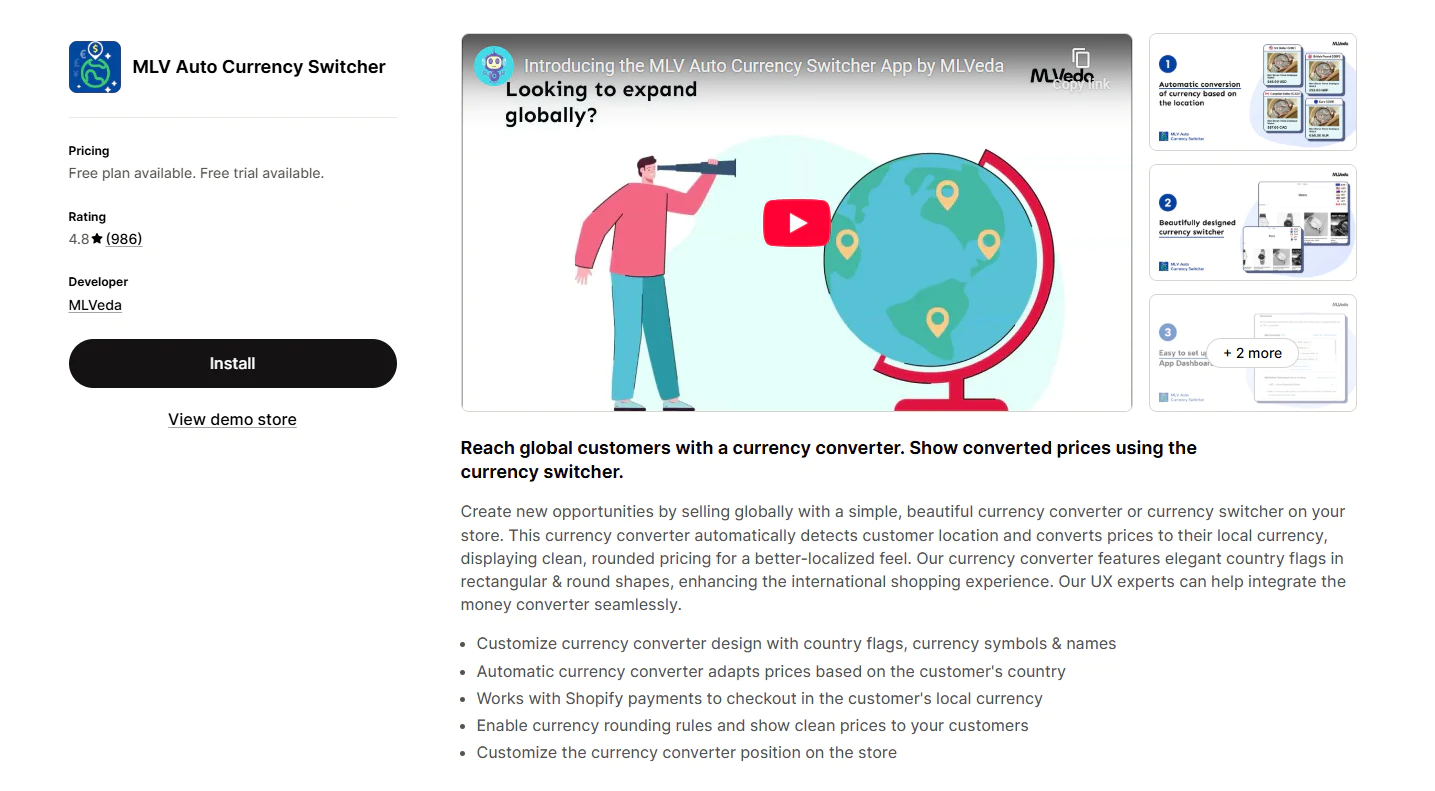
Highlight features of MLV
- Multi-currency storefront display: Supports 200+ ISO currencies.
- Local currency checkout support: Works with Shopify Payments where supported.
- Smart AI Recommendations: Suggests the best currency based on visitor behavior.
- UX Customization: Offers free design help from their expert team.
Rating of MLV
MLV is rated 4.8/5.0. Feedback highlights MLV’s flexible theme integration and hands-on support, giving merchants total control over the switcher’s behavior.
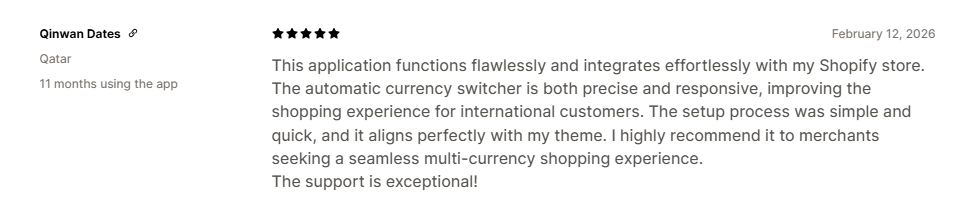
In contrast, occasional technical glitches and formatting issues can occur, sometimes coupled with slower support during critical troubleshooting.

Pricing of MLV
| Plan | Price (USD) | Key benefits |
| Hobbyist | $0/month |
|
| Super Success | $9.95/month(15-day free trial) |
|
Pros and cons of MLV
| Pros | Cons |
|
|
| Best for: Small to mid-sized merchants who want deep control over the design and placement of their currency switcher to match specific theme requirements. | |
8. SmartCS: Currency Converter
SmartCS is a value-driven, unlimited-currency option that supports every global currency across all tiers for cost-conscious sellers aiming for worldwide reach.
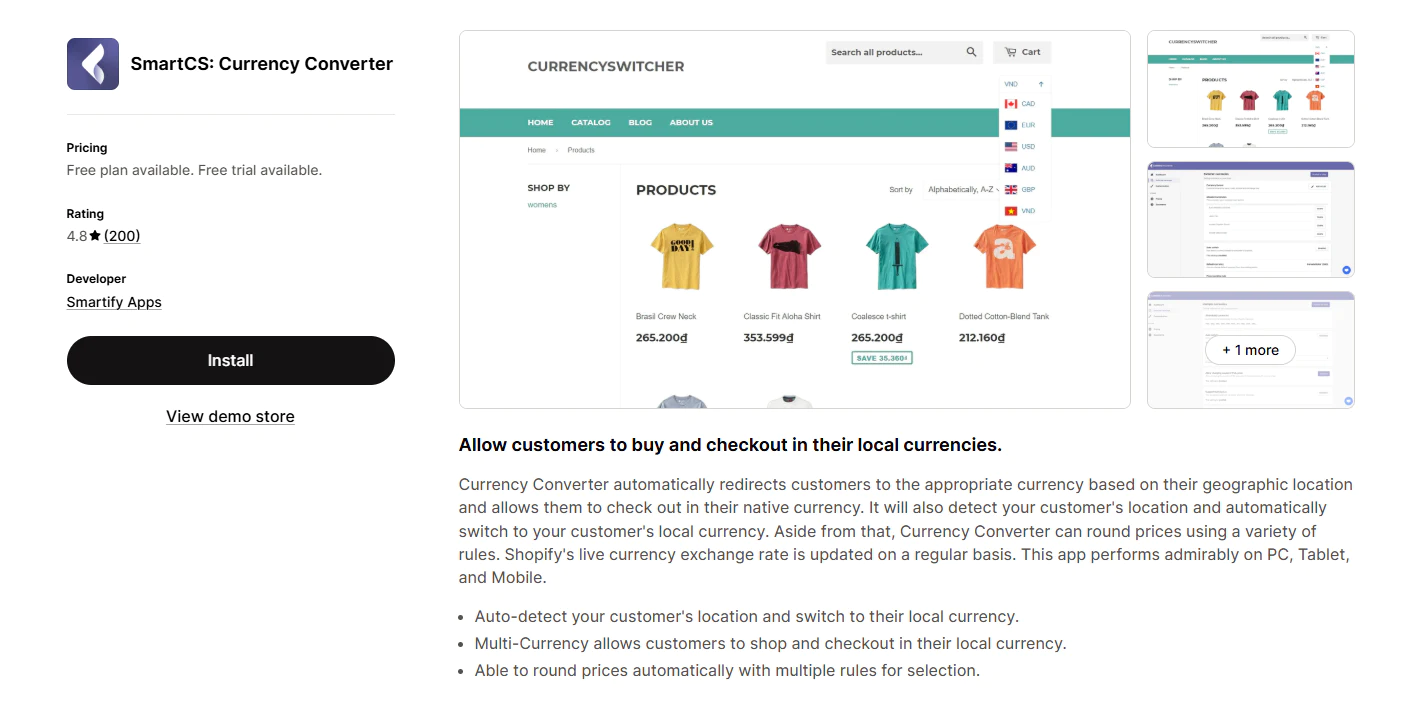
Highlight features of SmartCS
- Unlimited Currencies: No limits on the number of currencies, even on the free plan.
- Auto-Redirect: Automatically sends customers to the correct regional currency.
- Design Support: Includes technical and design assistance for theme installation.
Rating of SmartCS
SmartCS is rated 4.8/5.0. Users value SmartCS for providing unlimited currency support and automated price rounding, making it a high-value choice.
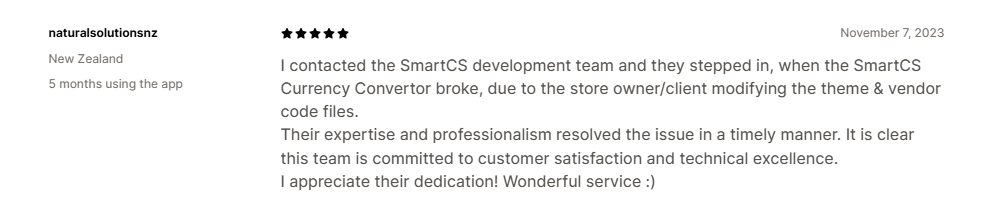
However, high-impact technical issues affecting SEO and URL health make it a riskier choice for search-sensitive storefronts.

Pricing of SmartCS
| Plan | Price (USD) | Key benefits |
| Free | $0/month |
|
| Premium | $12/month(7-day free trial) |
|
Pros and cons of SmartCS
| Pros | Cons |
|
|
| Best for: Cost-conscious sellers who need to support an unlimited number of global currencies across all business stages. | |
9. Currency Converter Bear
Currency Converter Bear is a premium, stability-oriented solution that pairs a polished interface with high-tier support for brands demanding consistent reliability.
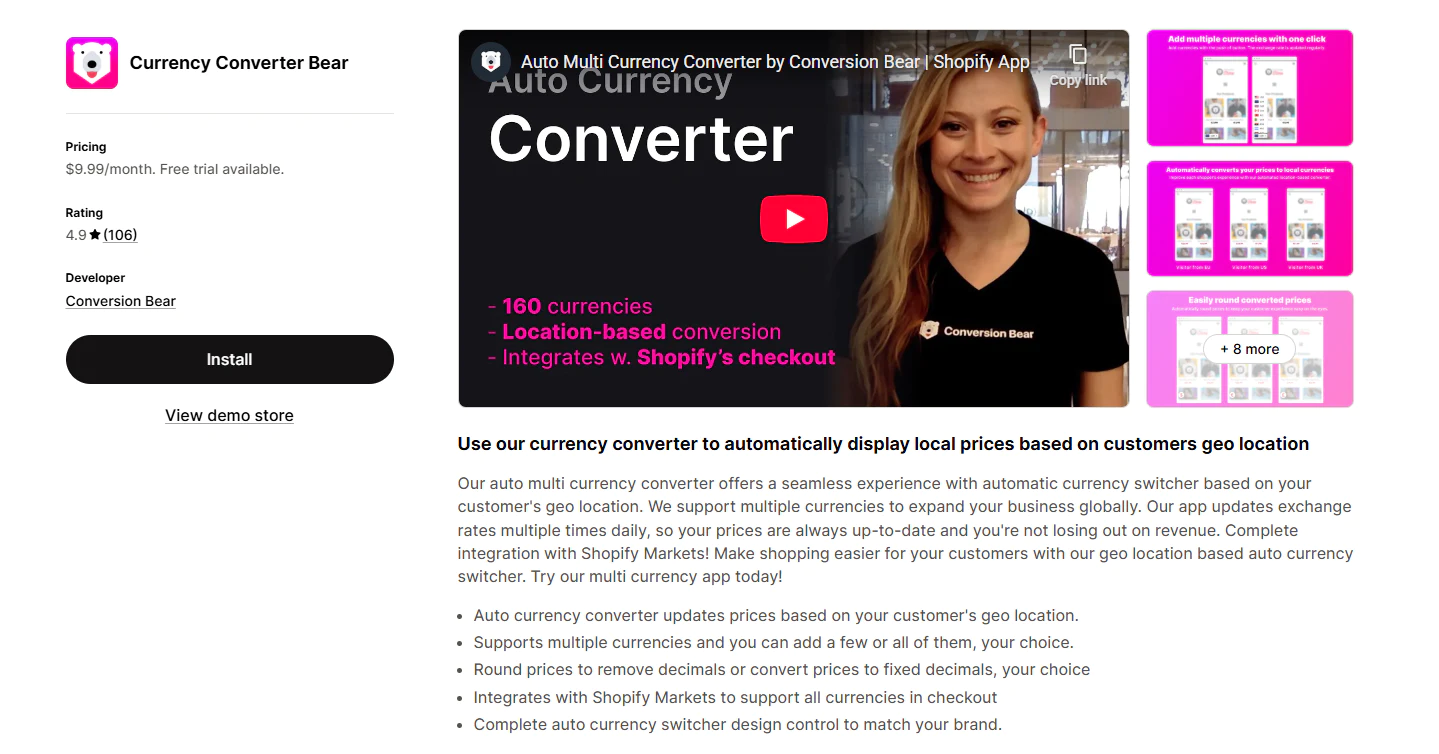
Highlight features of Currency Converter Bear
- Multi-currency storefront display: Supports 160+ currencies.
- Hidden Mode: Allows the app to work in the background without a visible switcher.
- Smart Pricing: Automatically rounds prices to the nearest psychological trigger point.
- Daily Rate Sync: Updates exchange rates multiple times a day.
Rating of Currency Converter Bear
Currency Converter Bear is rated 4.9/5.0. This app is frequently praised for its consistent reliability and professional support, serving as a stable alternative to basic free tools.

On the other hand, a limited number of reports mention page-load impact and inconsistent performance during peak traffic periods.

Pricing of Currency Converter Bear
| Plan | Price (USD) | Key benefits |
| Unlimited | $9.99/month(14-day free trial) |
|
Pros and cons of Currency Converter Bear
| Pros | Cons |
|
|
| Best for: Small to mid-sized brands that prefer a premium paid solution with a strong reputation for stability and support. | |
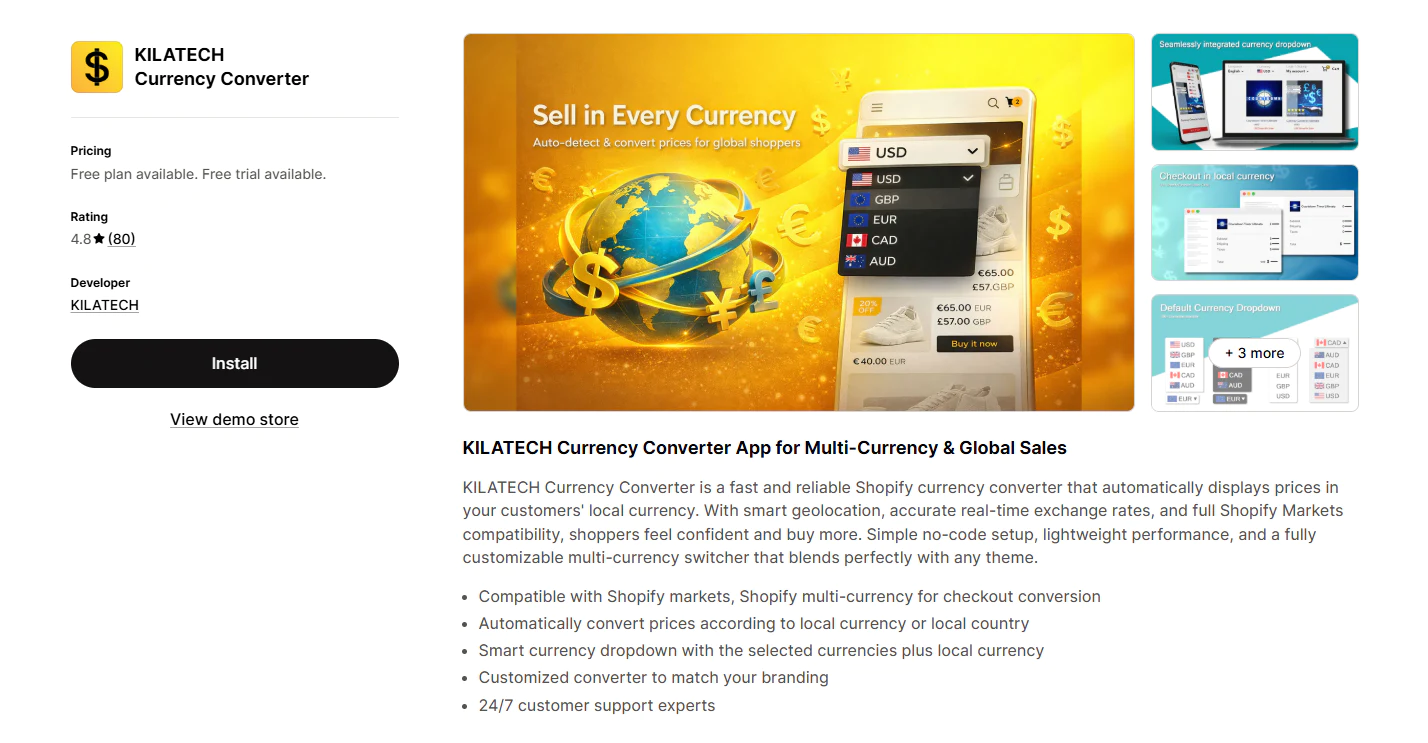
10. KILATECH Currency Converter
KILATECH is a minimalist, budget-friendly converter that offers core multi-currency functionality for small businesses wanting to keep their tech stack lean and affordable.
Highlight features of KILATECH
- Shopify Markets Compatibility: Specifically optimized for Shopify’s native multi-market tools.
- No-Code Setup: Designed for merchants with zero technical background.
- Lightweight Script: Minimal impact on store loading speed.
Rating of KILATECH
KILATECH is rated 4.8/5.0. Merchants appreciate KILATECH’s smooth Shopify compatibility and accurate conversion, offering a cost-effective solution for essential needs.

Despite its value, the billing interface and plan-switching process can feel unintuitive, leading to confusion during account management.

Pricing of KILATECH
| Plan | Price (USD) | Key benefits |
| Free Plan | $0/month |
|
| Premium Plan | $4.99/month(4-day free trial) |
|
Pros and cons of KILATECH
| Pros | Cons |
|
|
| Best for: Budget-sensitive small businesses that only require core multi-currency functionality to keep their overhead low. | |
11. WB: Multi Currency Converter
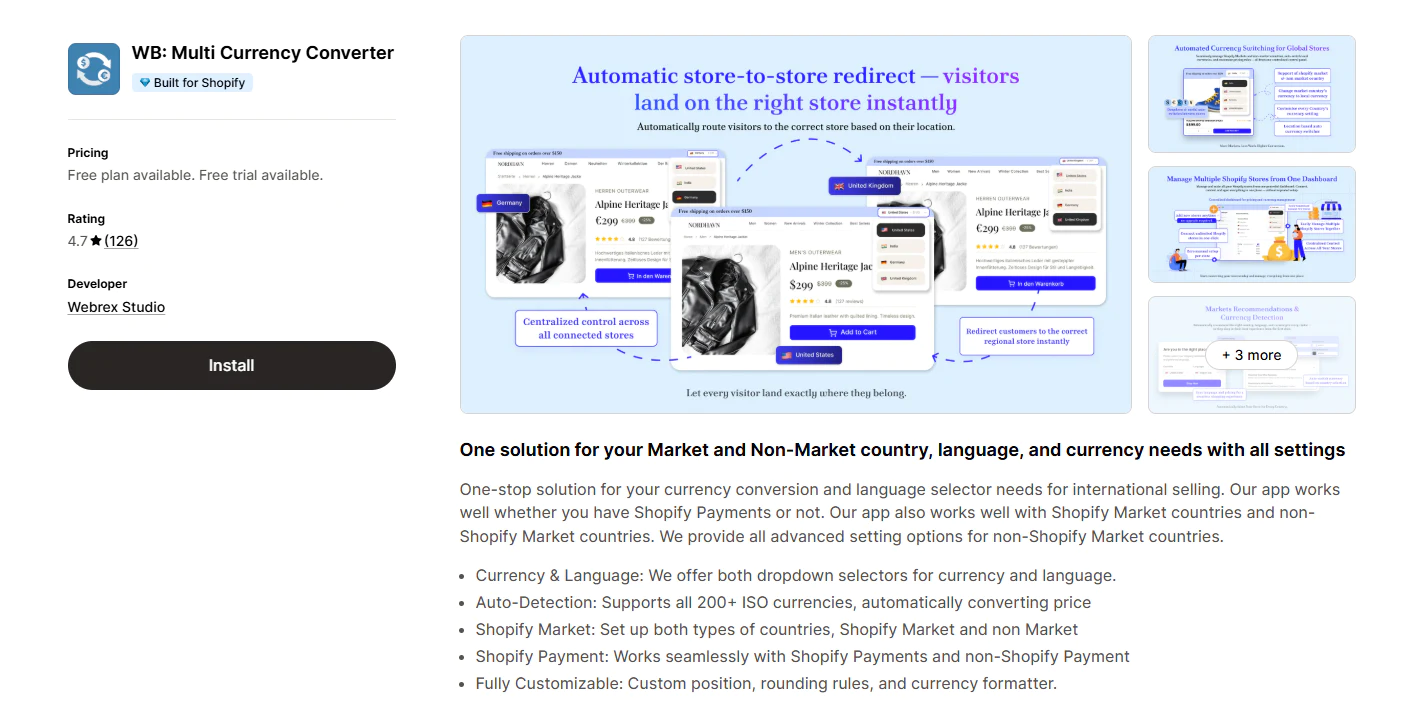
WB is a versatile multi-market targeting tool that supports complex cross-border strategies by providing advanced redirection and multi-store management capabilities.
Highlight features of WB
- Automatic currency detection: Switches prices based on shopper location using 200+ ISO currencies.
- Connect Multiple Stores: Allows you to redirect visitors between different Shopify stores based on location.
- Advanced Targeting: Rules-based logic for Market and non-Market countries.
Rating of WB
WB is rated 4.7/5.0. The app stands out for its multi-market flexibility and advanced targeting, allowing complex stores to manage localized pricing with high precision.
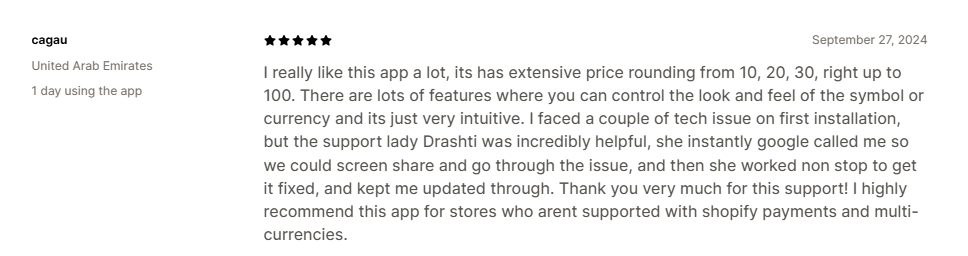
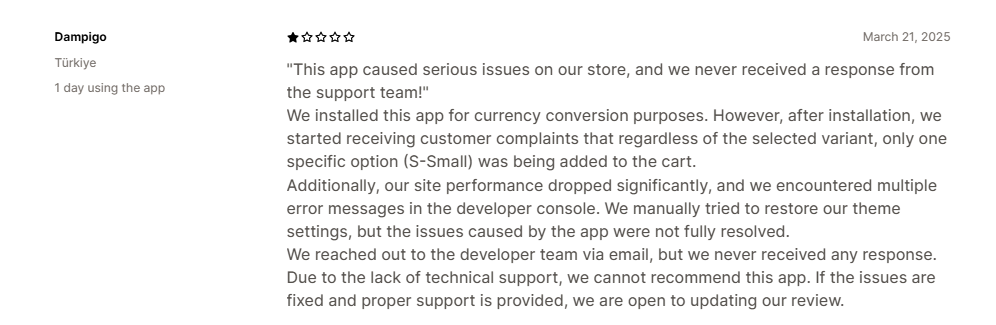
Yet, merchants report storefront-impacting reliability issues and a need for smoother support when critical display errors occur.
Pricing of WB
| Plan | Price (USD) | Key benefits |
| Free | $0/month |
|
| Premium | $9.99/month+$10 Grow plan, +$20 Advanced plan, +$40 Shopify Plus (30-day free trial) |
|
Pros and cons of WB
| Pros | Cons |
|
|
| Best for: Scaling businesses managing complex multi-market strategies that require advanced country targeting and multi-store redirection. | |
How to choose the right currency converter app for your Shopify store?
Here are a few things worth looking at before you choose:
1. Compatibility with Shopify Markets and Shopify Payments
This is one of the first things to check.
Some apps mainly help display local prices on the storefront, while others work more closely with Shopify Markets and Shopify Payments to support a smoother multi-market experience. If your store already sells internationally or plans to soon, this can make a big difference in how consistent the pricing journey feels from product page to checkout.
2. Automatic currency detection
A good currency converter should make things easier for shoppers right away.
Automatic currency detection helps international visitors see prices in a familiar currency as soon as they land on your store. That removes friction and makes the shopping experience feel more local. At the same time, it is still useful to let customers switch currencies manually when they want more control.
3. Exchange rate updates and pricing accuracy
Accurate pricing matters, especially when you are selling across markets.
Most apps update exchange rates automatically, but not all of them handle updates in the same way. Some refresh rates more frequently, while others also let merchants adjust rates manually. If pricing accuracy, margins, or regional promotions matter to your business, this is something worth comparing closely.
4. Price rounding options
Converted prices do not always look clean by default.
Without rounding, prices can end up looking awkward or inconsistent across products. A good currency converter should help you present prices in a way that feels natural and trustworthy, especially if you want your storefront to look polished in every market.
5. Theme compatibility and storefront performance
The right app should improve the shopping experience, not slow it down.
Before choosing an app, it is worth checking whether it works smoothly with your theme and whether merchants mention issues like flickering prices, slow loading, or display conflicts. This matters even more if your store already uses apps that affect pricing, variants, or product pages.
6. Customization options
Not every store needs the same type of currency switcher.
Some merchants only need a simple dropdown. Others want more control over switcher style, placement, flags, or price formatting. If brand consistency matters to you, look for an app that gives you enough flexibility to make the converter feel like a natural part of your storefront.
7. Support quality
Support matters more than it may seem.
A currency converter touches one of the most important parts of the shopping experience: pricing. So if something goes wrong, you need help quickly. Strong support can make setup easier, solve compatibility issues faster, and give you more confidence when selling internationally.
8. Your current stage of growth
The best choice depends on where your store is today.
If you are still testing international demand, a simple or the best free currency converter app on Shopify may be enough. But if you are already building a multi-market strategy, it often makes more sense to choose an app that can support your growth over time.
In the end, the best currency converter for Shopify is the one that helps your customers shop with more clarity and confidence, while still fitting your store’s needs, budget, and growth stage.
Wrapping up
A currency converter is essential if you want to attract and convert international customers. Alongside translation, it is another important part of localization for merchants selling across multiple markets. Translation helps shoppers understand your store, while currency conversion helps them buy with more confidence.
If you are just starting to go global, we hope this guide helps you find the best currency converter Shopify app for your store’s needs, budget, and stage of growth.
Frequently asked questions
Does Shopify have a built-in currency converter?
Yes, Shopify supports multi-currency selling through Shopify Markets. However, most merchants find that a dedicated app is necessary to improve storefront display and provide a more customizable, localized browsing experience.
Are currency converter apps easy to install and use?
In most cases, yes. Many of the best currency converter app options are designed for quick setup and minimal configuration. Still, the actual experience can vary depending on your theme, market setup, and any other apps already affecting pricing or checkout.
Do these apps update currency exchange rates automatically?
Most do. Automatic exchange-rate updates are a standard feature in many leading options, although the update frequency can vary from app to app.
Can I customize the appearance of the currency converter to match my store’s branding?
Usually, yes. Most top apps let you customize things like the switcher style, position, rounding format, or overall display so the converter feels more consistent with your storefront.

"The best Shopify translation and localization app designed to help merchants expand globally by translating their store content into multiple languages and adapting it to different currencies and markets."


Table of Contents


"The best Shopify translation and localization app designed to help merchants expand globally by translating their store content into multiple languages and adapting it to different currencies and markets."