
The Next Level of Shopify Translation
Translate your Shopify store into 148 languages using various translation models. Easily edit your translations and boost your SEO visibility.
Core Translation Features – Automatic & SEO-Ready Translation
Automatic, AI-powered, and SEO-ready translation features every Shopify store needs to sell globally.
Automatic Translation for Client-Side
Instantly detect and translate content in the customer’s browser for a seamless, real-time shopping experience. Ideal for dynamic elements like popups, reviews, and widgets.
Default Translation Engine: Google Translate
Translate your entire stores with Google Translate—no extra setup or cost required. Perfect for quick, hassle-free multilingual launches.

AI-Powered Translation Engines & LLMs
Choose from various powerful translation engines & LLMs tailored for each market and purpose: OpenAI, DeepL, Gemini, Baidu AI, Yandex, Grok, and DeepSeek.
Explore Translation Engines
Manually Edit Translation for 148 Languages
Break free from Shopify’s 20-language limit. Transcy lets you edit translations for 148 languages, so you can reach customers anywhere in the world.
Full list of languages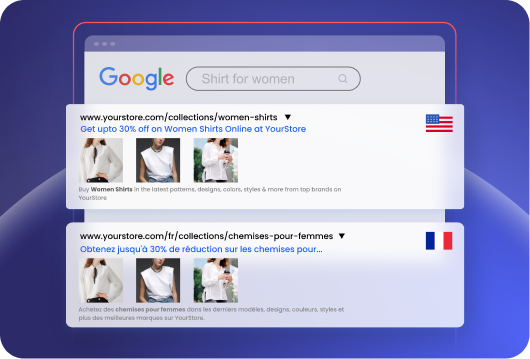
Translation Built for Multilingual SEO
Translate all page content, including URLs and meta tags. Server-side translation generates translated pages in a crawlable and indexable form.
Explore Multilingual SEO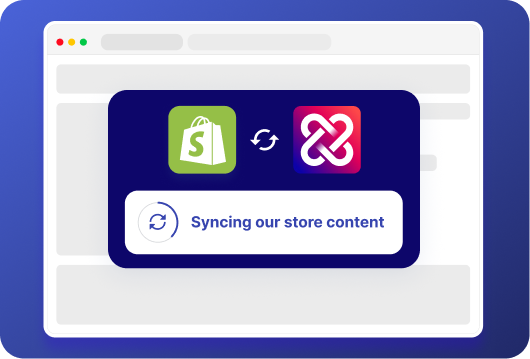
Fully Adapt With Shopify Markets
Transcy works hand-in-hand with the latest Shopify Markets, letting you manage all your languages and translations from one central dashboard.
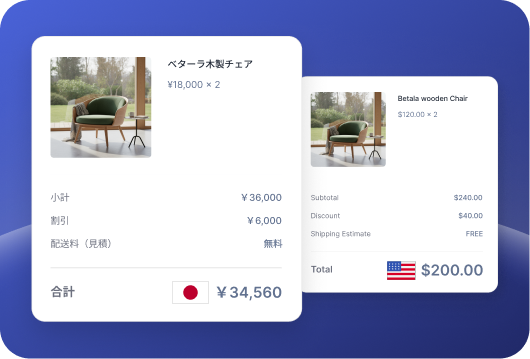
Translate Shopify Cart & Checkout Pages
Transcy seamlessly integrates with Shopify, allowing you to translate the cart and checkout pages—ensuring a smooth shopping experience for global customers and reducing cart abandonment.
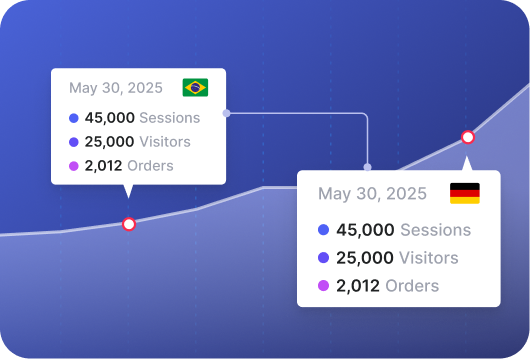
Language Statistic & Analytics
See an overview of your most visited languages, plus access data pinpointing potential new markets so you know where to focus your international marketing efforts.
Advanced Translation Features – Full Control, Customization & Scale
Powerful translation management tools for deeper control, advanced customization, and scaling complex Shopify stores.
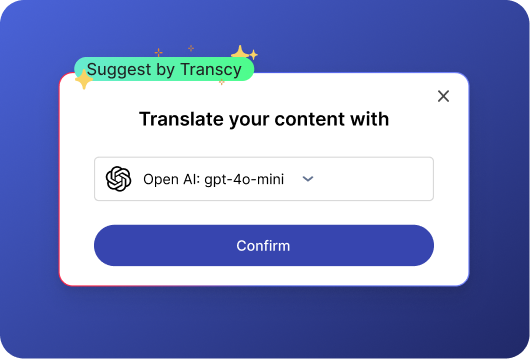
Use AI Engines & LLMs Without API Keys
Get instant access to top AI translation engines without the hassle of buying API keys or dealing with technical setup—just a few clicks to get your site translated.
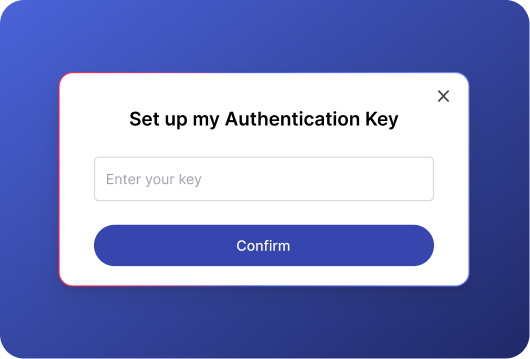
Use AI Engines & LLMs With API Keys
Bring your own API keys to unlock full control. This allows you to set the engine’s tone for translations & ensure consistent, reliable results across languages.
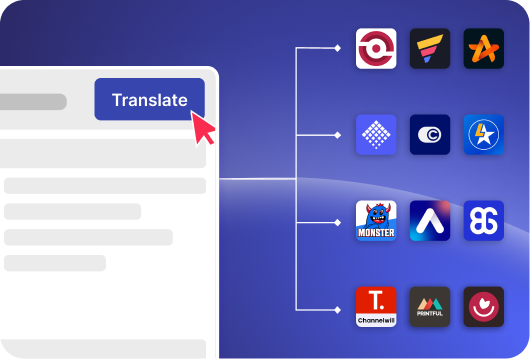
Translate & Edit Content From Third-Party Apps
Translate and edit content from third-party apps so every part of your store is fully localized and tailored to your brand, including reviews, popups, and widgets.
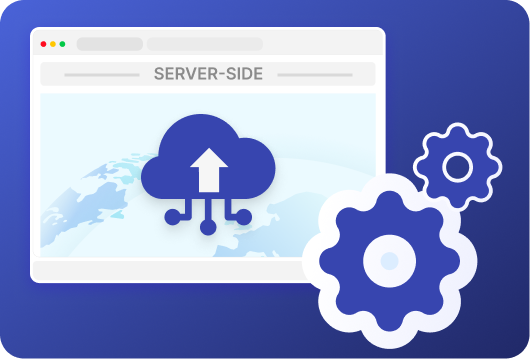
Automatic Translation For Server-Side
Auto-sync your store content to Transcy’s server, where new content is instantly translated and pushed back to your Shopify store. Perfect for SEO, with translations indexed by search engines.
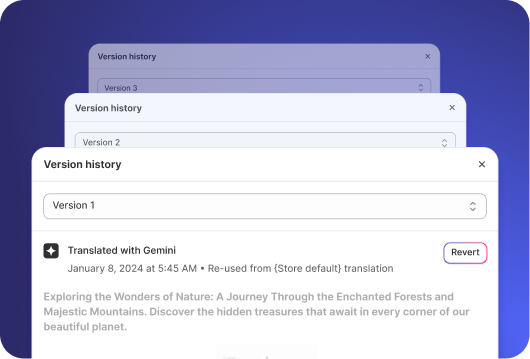
Translation History & Backup
Transcy keeps a complete history of your store translations, allowing you to restore any previous version with a single click. Perfect for backup, and quick recovery.

Find & Replace Translated Content
Edit translated text in bulk by finding and replacing it across your store, from a single product to thousands, in just a few clicks.
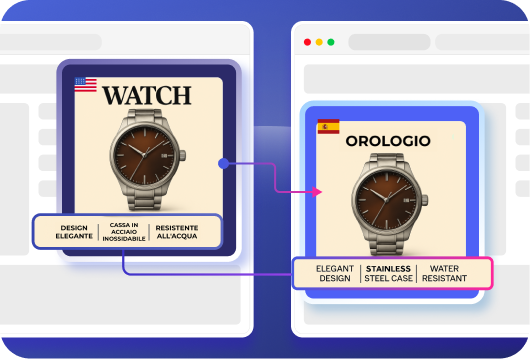
Image Localization
Manually set different images for each market or let our AI detect and translate text in them, keeping your visuals on-brand for every audience.
Explore Visual Localization
Translation Rules
Set up your own glossary of terms to translate words exactly as you want, keep important terms untranslated, and skip translating specific elements.
Frequently Asked Questions
1. Which languages does Transcy support?

2. What is ‘Client-Side’ and ‘Server-Side’ translation? Which should I use?
1. Client-side translation (in the visitor’s browser)
The page loads in its original language, and JavaScript translates the content in the visitor’s browser before it is displayed. This method is quick to set up and works well for real-time and dynamic content. However, because translations are applied at runtime, search engines may not reliably crawl or index the translated versions.
2. Server-side translation (before the page loads)
The page is translated on the server before it is delivered to the visitor. Translated pages can be edited and stored, making them accessible to search engines for crawling and indexing.
Key takeaway:
If search visibility is important to your business, server-side translation is generally the better choice. If speed of setup and real-time translation matter more, client-side translation can be a faster option.
3. Can I edit my translations?
Note: “Editable” and “non-editable” are terms used by Transcy to distinguish between server-side (editable) and client-side (non-editable) translations.
4. Do I need to bring my own API keys for Google, DeepL, or OpenAI?
As for other translation models, we support translating with either your API key or on a Pay-Per-Use (PPU) basis:
- API key: OpenAI, Gemini, DeepL
- Pay-per-use: OpenAI, Gemini, Baidu, Yandex, Grok, DeepSeek
5. Can I choose different engines per language or page?
6. Will my Shopify checkout page and cart page be translated?
7. Will the converted product prices match the prices shown at checkout?
8. Will Transcy app translate images on my site?
Don’t find the answer? We can help, contact us at support@transcy.io
Ready to go global?
Join 250,000+ merchants expanding worldwide. Free plan available.